
How to add a favicon to website

H
Harsh Kumar is a Front-end Developer at Creators Mind. I have strong technical skills in working with React JS and Javascript. I love building products to solve real-world problems.
In this blog, I have explained how to add a favicon to any website or webpage, so let's read the blog to get the idea for adding a favicon to the website.
at first, you have to add the following line inside the tag with the appropriate path of the favicon image.
<link rel="icon" type="image/x-icon" href="fevicon.png">
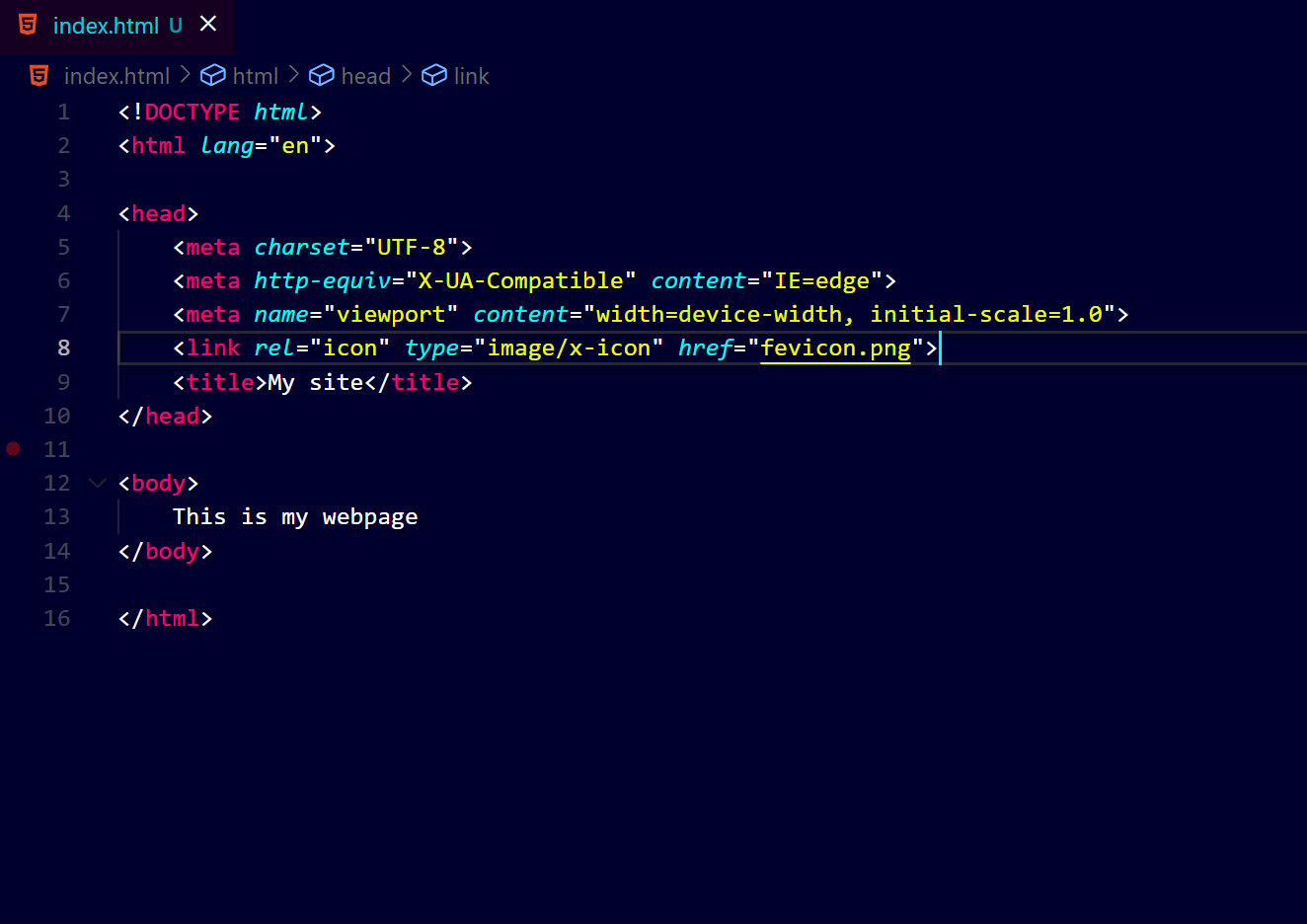
That's it, you have done and now you can view the favicon icon in the browser of your website.


